No cumbersome keyboard layouts. No web dependencies. Press Alt+T anywhere—WhatsApp, Word, Chrome, Notepad—type in Tenglish and watch it transform into authentic తెలుగు in real-time.
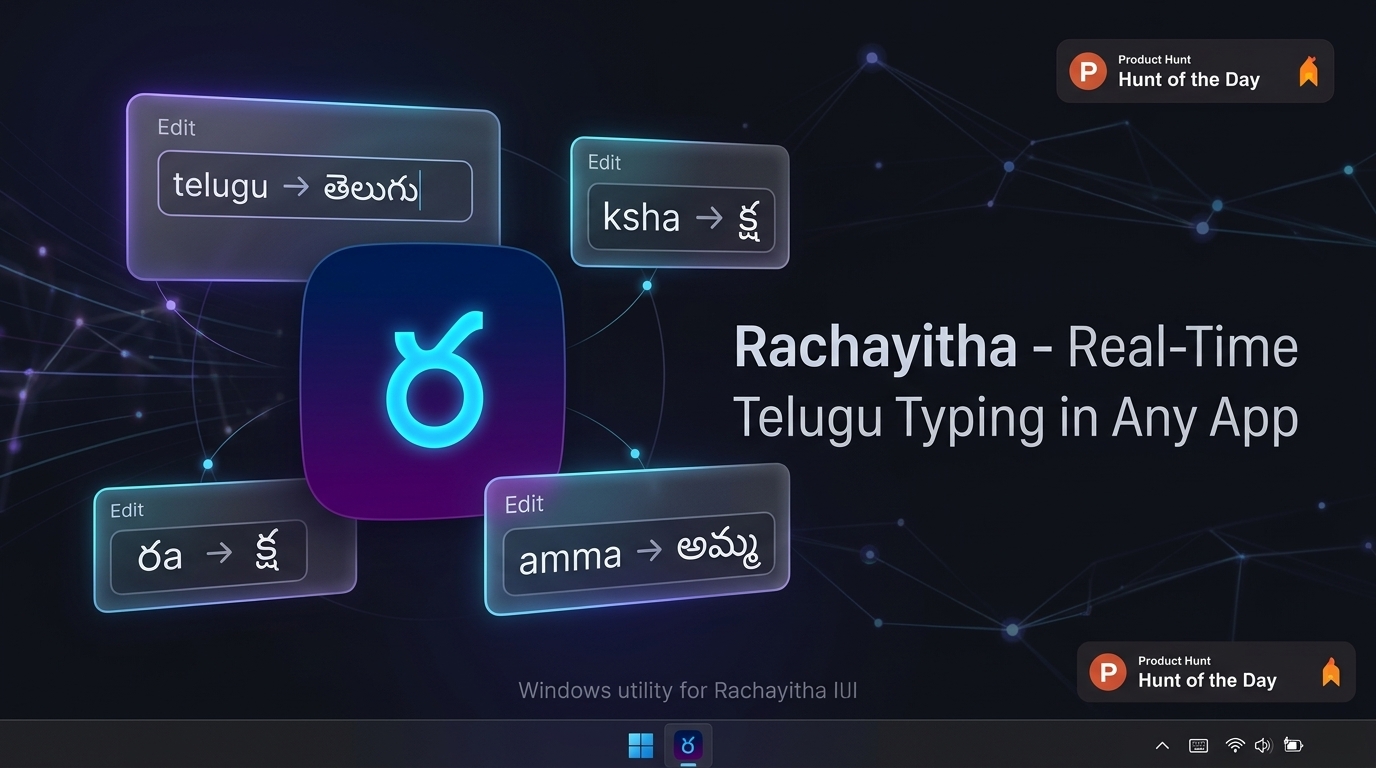
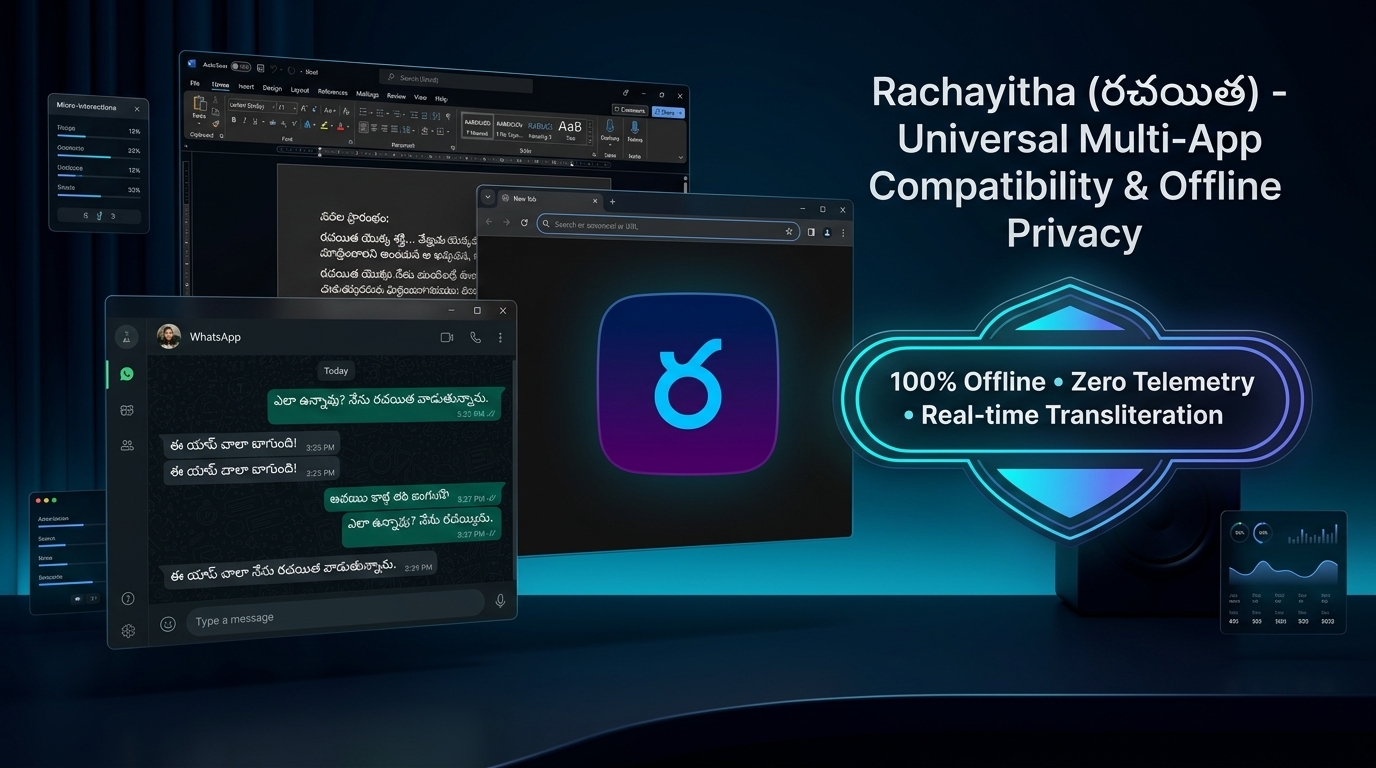
Works seamlessly across all your favorite desktop apps
Type phonetic Roman English (Tenglish) on the left. Watch authentic halant-first Telugu form dynamically on the right with sub-millisecond precision.
Designed as a low-level native Windows utility, not an electron web wrapper. High-performance, memory-efficient, and deeply respectful of user privacy.
Single keys create authentic half-letters (n → న్), followed by vowels for full consonants (na → న). Naturally handles double letters (nna → న్న) and complex conjuncts (ksha → క్ష).
A dynamic taskbar icon renders తె in indigo when Telugu mode is active, and EN in slate when English mode is active. Always know your active language at a glance.
Visual Status IndicatorZero cloud APIs, zero telemetry, and zero network calls. All phonetic transliteration happens strictly inside your local RAM. What you write never leaves your personal machine.
Air-Gapped PrivacyToggle between Telugu and English effortlessly using Alt+T, Scroll Lock, or record your own preferred key combination with conflict-aware live re-registration.
Single-click the tray icon to open the complete reference matrix of Achulu (అచ్చులు), Hallulu (హల్లులు), Guninthalu, and Vatthulu with instant live search and test typing.
Integrated Cheat SheetA self-contained installer (Rachayitha_Setup.exe) bundles all dependencies with an interactive feature presentation and registers cleanly in Windows Installed Apps for 1-click uninstallation.
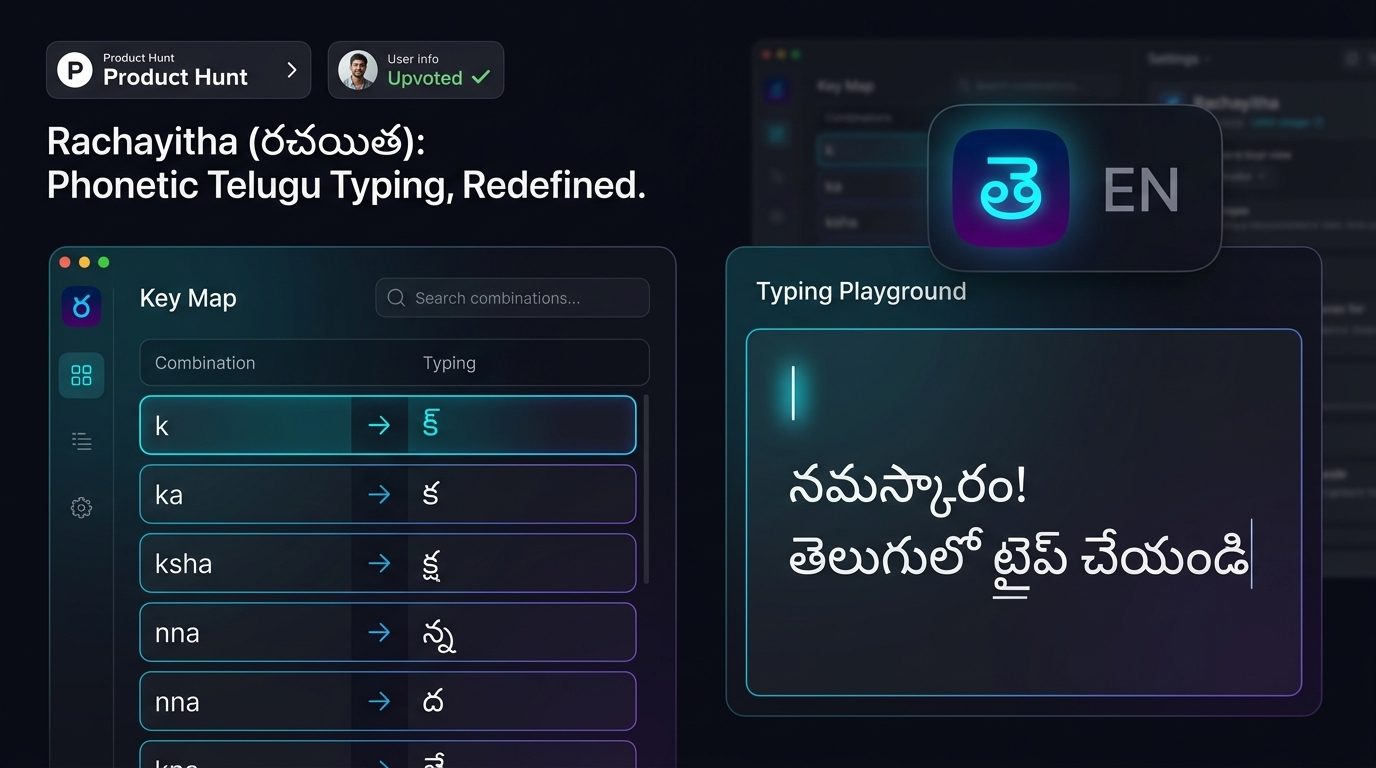
Search through vowels, consonants, and complex conjuncts. Click any letter card to instantly test it in the live playground above.
How Rachayitha compares against legacy and cloud-based typing solutions.
| Feature Capability | Rachayitha (రచయిత) | PramukhIME | Lekhini.org | Google Input Tools |
|---|---|---|---|---|
| System-Wide Direct Typing (Any App) | ✓ Native Hook (0ms) | ✓ Supported | ✗ Web Box Only | ✓ Cloud IME |
Natural Halant-First Logic (n → న్, na → న) |
✓ Yes (Pollu-First) | ✗ Needs tilde/modifier | ✗ Conventional RTS | ✗ AI Guesswork |
| 100% Offline (Zero Network Requests) | ✓ Complete (Air-gapped) | ✓ Offline | ✗ Requires Browser | ✗ Cloud Dependent |
| Zero Telemetry & Keystroke Privacy | ✓ Zero Tracking | ✓ Local Only | ✗ Server Transliteration | ✗ Telemetry Logged |
| Dynamic Taskbar Tray Indicator (తె / EN) | ✓ Dynamic Badge | ✗ Static Icon | ✗ No Tray App | ✗ Generic Windows IME |
| Open Source & Fully Auditable | ✓ GNU AGPLv3 | ✗ Closed Source | ✗ Closed Web App | ✗ Proprietary |
Single-click setup installer with dependencies included. Install once and type fluent Telugu anywhere across Windows forever.